
Steps
1
Choose Region / box
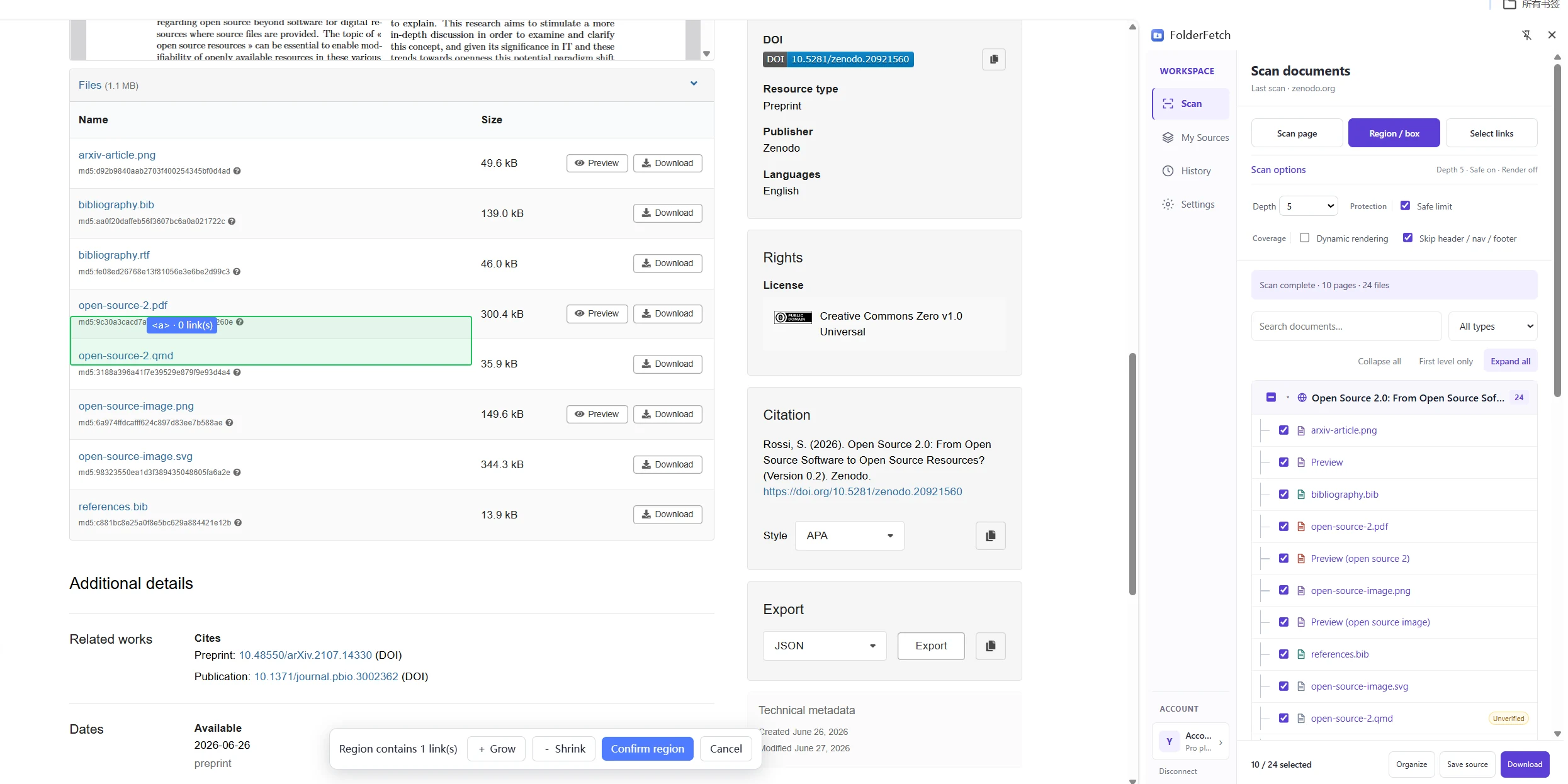
On Scan, click Region / box. On the web page, click a content section or drag a rectangle from empty space around the links.
2
Adjust the area
Check the link count in the floating toolbar. Use Grow or Shrink if the area is too narrow or broad; redraw a box if needed.
3
Confirm the region
Once the needed links are included, click Confirm region. If it shows 0 links, adjust the area first.