
Steps
1
Open the page and workspace
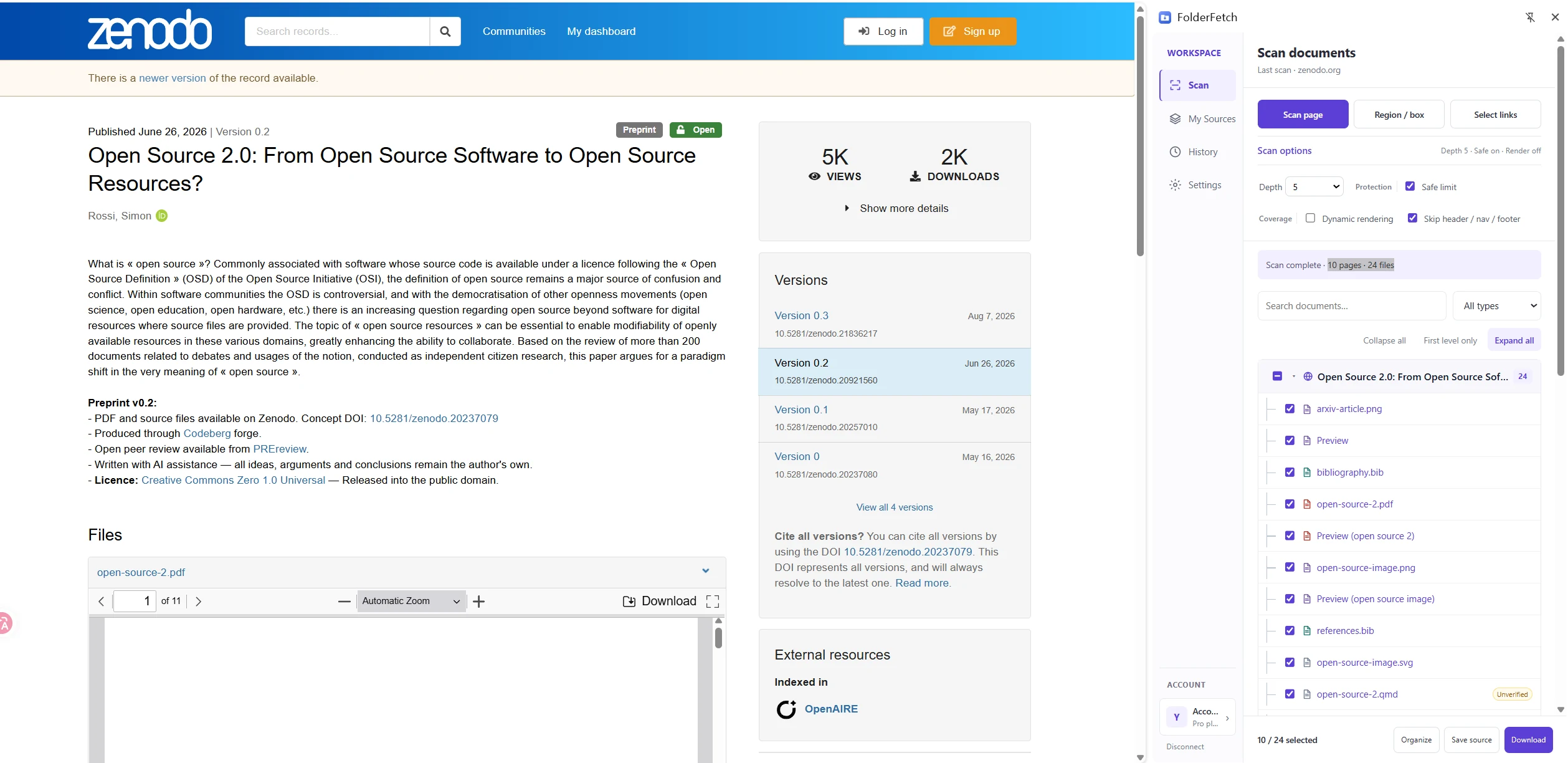
Visit the document page, click the FolderFetch icon, and make sure Scan is selected in the sidebar.
2
Choose Scan page
This mode collects file links from the current page and follows lower-level pages according to Depth.
3
Review scan progress
The status shows visited pages, queued pages, and files found. After completion, inspect results with search, type filters, and the resource tree.