Steps
1
Open Scan options
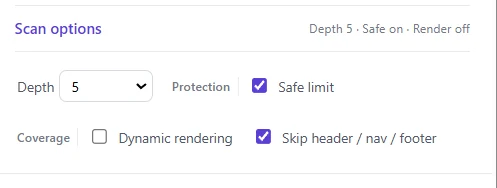
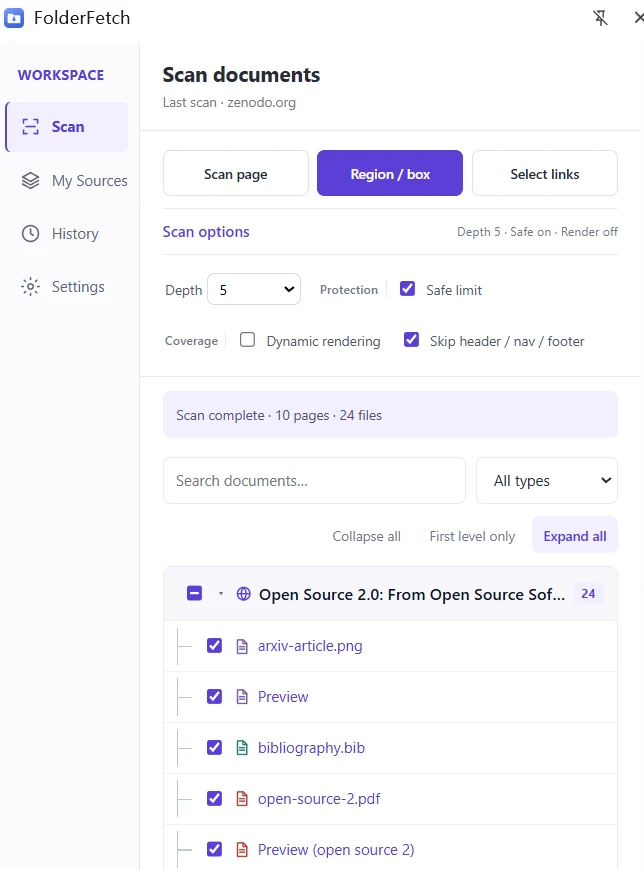
Expand Scan options below the scan buttons and set Depth. Higher values follow more levels of linked pages; available levels depend on your plan.
2
Keep Safe limit on
Safe limit pauses a large scan after 100 pages so you can decide whether to continue. It is generally recommended.
3
Use Dynamic rendering when needed
Turn this on when ordinary scanning misses links loaded by JavaScript. It renders a limited number of lower-level pages and is usually slower.
4
Skip page chrome
Keep Skip header / nav / footer checked to reduce unrelated links from common page areas.