Steps
1
Inspect the resource tree
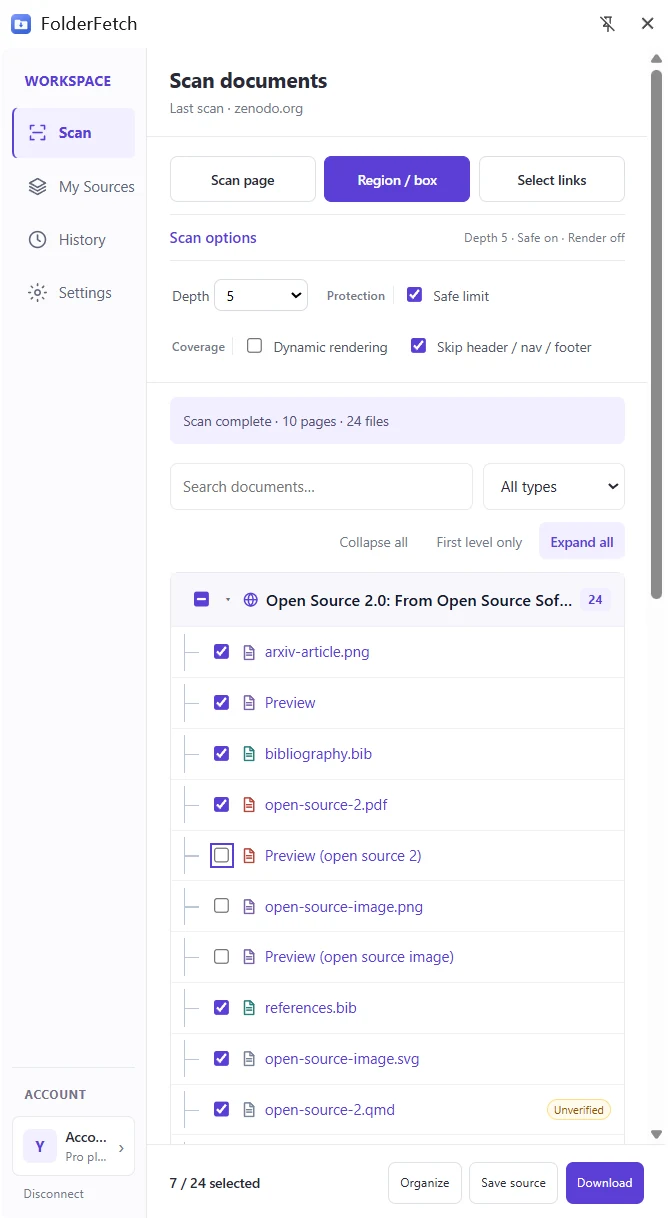
After scanning, files appear under their source pages and folders. Use Collapse all, First level only, or Expand all to change the tree view.

2
Search and filter by type
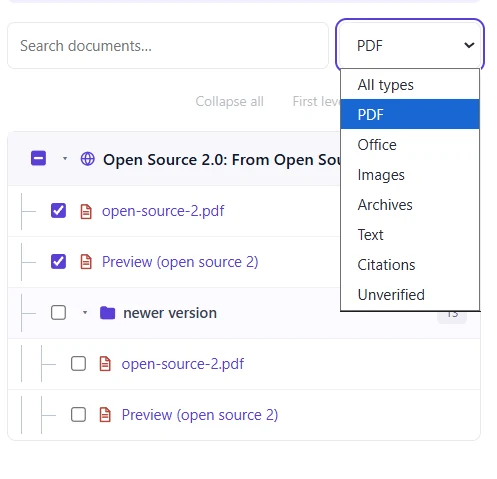
Search documents finds files by name. All types filters to PDF, Office, images, archives, and other types. Filtering changes the visible results.
3
Select files or folders
Check individual files or a folder to select files beneath it. Review the selected / found count in the footer before proceeding.